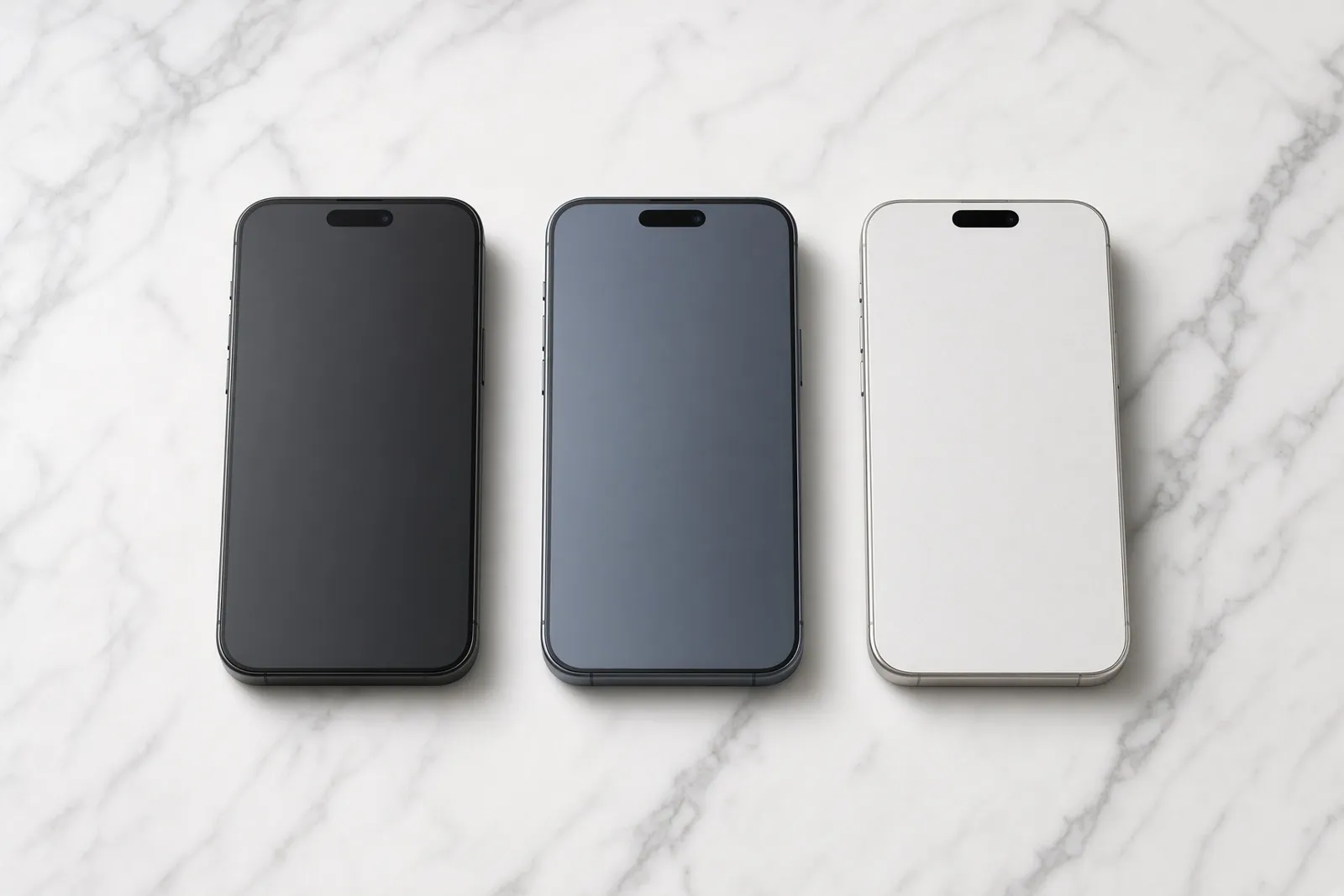
Ask a repair shop to change your iPhone LCD and the first question back is usually “which one?”. Soft OLED, hard OLED, LCD, original, sometimes “OEM” or “copy”. The names are confusing on purpose, and the price gap between them is large. Here is what each one really is, what you will notice day to day, and how to choose.
First, a word about “LCD”
In Malaysia almost everyone calls the iPhone screen the “LCD”, whatever it is made of. That’s fine, we do too. Just know that since the iPhone X, most iPhones have left the factory with an OLED screen, not an LCD. The iPhone XR, iPhone 11 and the SE models are the exceptions.
That matters, because one of the cheapest replacement options is a real LCD fitted to a phone built for OLED. It works, but it doesn’t look the same.
The four screens, in plain words
Original
A real factory screen, either taken from another iPhone or rebuilt with new glass on the original panel. You get the same colour, brightness, thinness and, on Pro models, the same smooth 120Hz as the day you bought the phone. It is the best picture you can get outside an official service centre. Used panels vary a little in grade, so we check each one for marks and burn-in before it goes in.
Soft OLED
A new, flexible OLED made by a third-party factory, and the closest copy of the original. Blacks are truly black, the screen is thin, and battery life stays normal. Colour accuracy is a touch behind the original, and quality varies by brand, which is why we only use panels we’ve tested ourselves. On Pro models we fit the 120Hz version so scrolling stays smooth.
Hard OLED
A cheaper, rigid OLED. You still get OLED blacks, but the panel is more fragile, slightly thicker, and often has a wider black border around the picture. On Pro models many hard OLEDs run at 60Hz instead of 120Hz.
LCD (in-cell)
An LCD panel shaped to fit a phone that was built for OLED. It is the lowest price, and for chat, calls and browsing it works fine. But blacks look grey, colours are weaker, it isn’t as bright, the battery can drain faster, and touch often feels less smooth. Most of these run at 60Hz, so a Pro model loses its smooth scrolling. We don’t fit these on OLED iPhones (more on that below).
Side by side
| Original | Soft OLED | Hard OLED | LCD (in-cell) | |
|---|---|---|---|---|
| Blacks | True black | True black | True black | Greyish |
| Colour and brightness | Factory | Very close | Close | Noticeably weaker |
| 120Hz on Pro models | Yes | Yes (we fit 120Hz only) | Often 60Hz | Usually 60Hz |
| Battery use | Normal | Normal | Normal | Can drain faster |
| Thickness and toughness | Factory | Thin, flexible | Thicker, more fragile | Thicker |
| Price | Highest | Middle | Lower | Lowest |
| On our list | Yes | Yes, most popular | Yes, lowest price | No |
For a sense of scale: Apple Malaysia charges RM1,499 to replace an iPhone 13 Pro Max screen out of warranty (checked November 2026). Every option above costs less than that, and the estimator shows our exact price for each one we fit on your model.
True Tone, brightness and battery drain
True Tone is the feature that warms or cools the screen to match the light around you. It depends on your phone recognising the screen’s settings, so after a third-party screen it can switch off. We restore it with a programmer that copies the details from your old screen to the new one. On iPhone 11 to 16 Pro Max we restore it on every option. On the newest models, the estimator tells you if it may switch off.
Brightness is where LCDs fall behind most. Outdoors in the Malaysian midday sun, an in-cell LCD can be hard to read. Soft OLEDs get close to the original, though peak brightness varies by brand.
Battery drain comes down to how the screen makes light. An LCD has a backlight that is always on behind every pixel. An OLED switches each pixel off when it shows black. That’s why the same phone can last noticeably less on an LCD, especially if you use dark mode.
120Hz: the thing Pro owners notice first
iPhone 13 Pro and later Pro models, plus the iPhone 17 and iPhone Air, scroll at up to 120 frames a second. You may not know the number, but you’ll feel it if it’s gone: scrolling looks slightly jerky, like an older phone. If you own one of these, either the original or a 120Hz soft OLED keeps that smoothness. Every other iPhone, including the 16e and 17e, has a 60Hz screen from the factory, so there’s nothing to lose on those.
Hard OLED: our lowest price, with honest trade-offs
A hard OLED saves some money over a soft OLED, and you still get real OLED blacks and normal battery life. What it gives up: it is more likely to crack again if dropped, it’s thicker, the bottom border looks wider, and on Pro models it often drops to 60Hz. If you just need the phone working for less, it’s a fair choice, and we fit it. For most people, soft OLED is worth the small step up.
Why LCD isn’t on our list
The in-cell LCD saves more, and costs you more. It’s dim in the sun, drains your battery faster, the touch feels less smooth, and it doesn’t last as long, so people end up back at the shop. On an iPhone that came with OLED, we don’t fit them. Our estimator still shows them, greyed out, with what other shops usually charge, so you can compare.
On those iPhones we start at hard OLED. Soft OLED costs a bit more, looks like your old screen, and lasts. If you want it exactly as new, the original is there too.
Which one should you choose?
- You’ll keep the phone for years, or it’s a Pro: soft OLED. It looks and feels right, and it’s our most popular choice.
- You want it exactly as it was, or you’ll resell soon: original.
- It’s a backup phone, a phone for a parent or child, or you just need it working: hard OLED, our lowest price. Skip the LCD: what it saves comes back as a dimmer screen and a shorter battery day.
- You have an iPhone 11: it came with an LCD from the factory, so a good aftermarket LCD looks close to the original. We offer an aftermarket LCD and an original LCD on this model.
The message in Settings
On iPhone 11 and later, any non-Apple screen shows as Unknown Part under Settings > General > About. The phone works normally. On iPhone 11 to 14 an original screen can avoid this if your old screen’s touch chip is moved across, and on iPhone 15 and later a genuine screen shows as Used instead. On iPhone 15 and 16 we also reuse your phone’s small sensor cable above the screen, because the phone checks that too. Every option in our estimator tells you which message to expect, and we explain the whole thing in why your iPhone says Unknown Part.
Two practical notes. On an iPhone 13, update to the latest iOS before the repair so Face ID keeps working with a new screen. And if your battery is also tired, it is cheaper to do both while the phone is open; see what a battery replacement costs.
Why our screens cost less
Most of our screens come direct from suppliers in Shenzhen, China, with no middlemen, and we don’t pay mall rent. That’s the whole trick, and it’s why Tinylab exists. You choose the screen, and we tell you exactly which one goes in. If you have a lower written quote for the same grade of screen, show it to us and we’ll beat it.
Drop your phone at a Tinylab lab or drop-off point for free, book a Lalamove pickup, or post it to us. Either way, we never ask for your passcode, your screen is fixed with your phone locked, and you get a 3 to 6 month warranty depending on the screen.