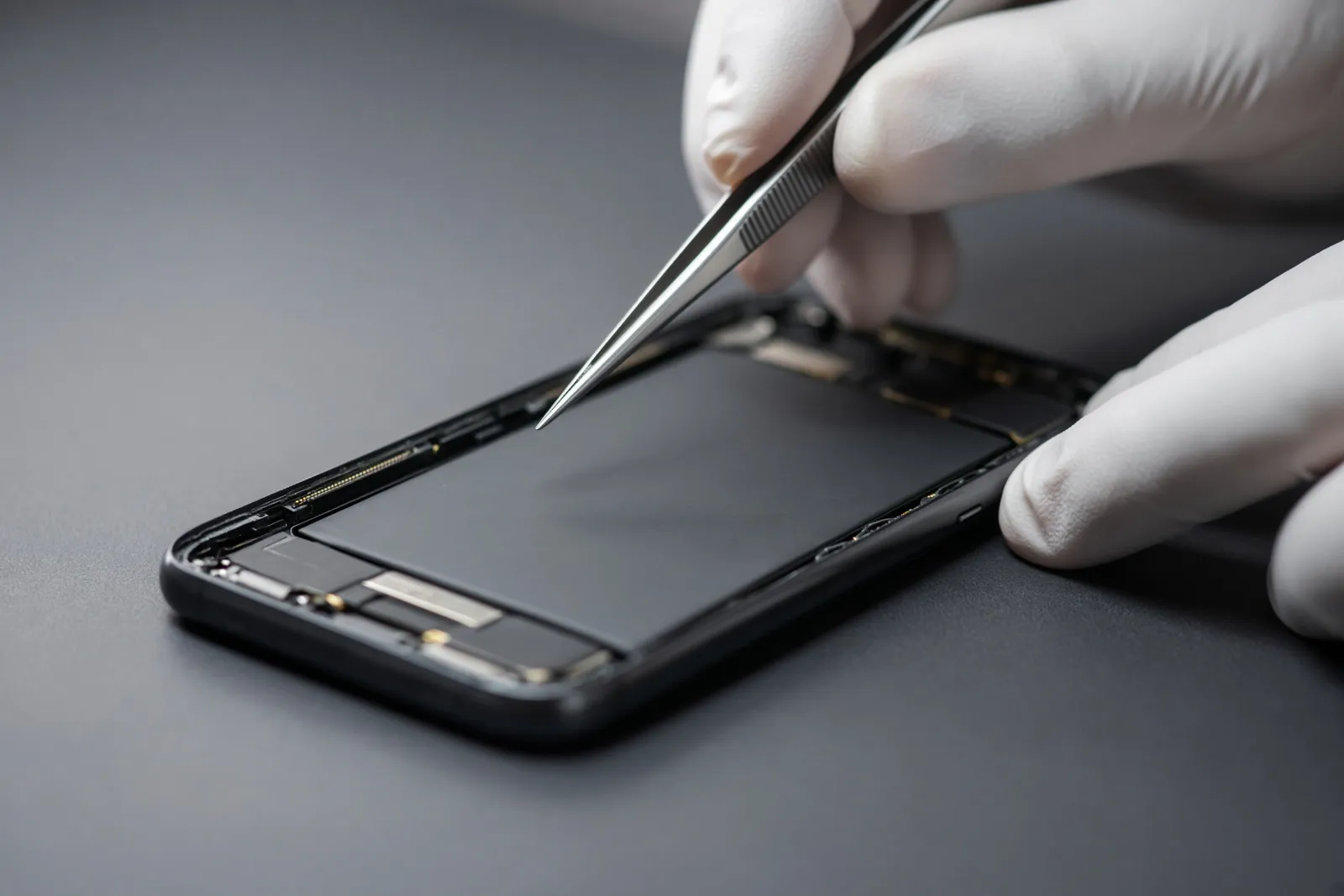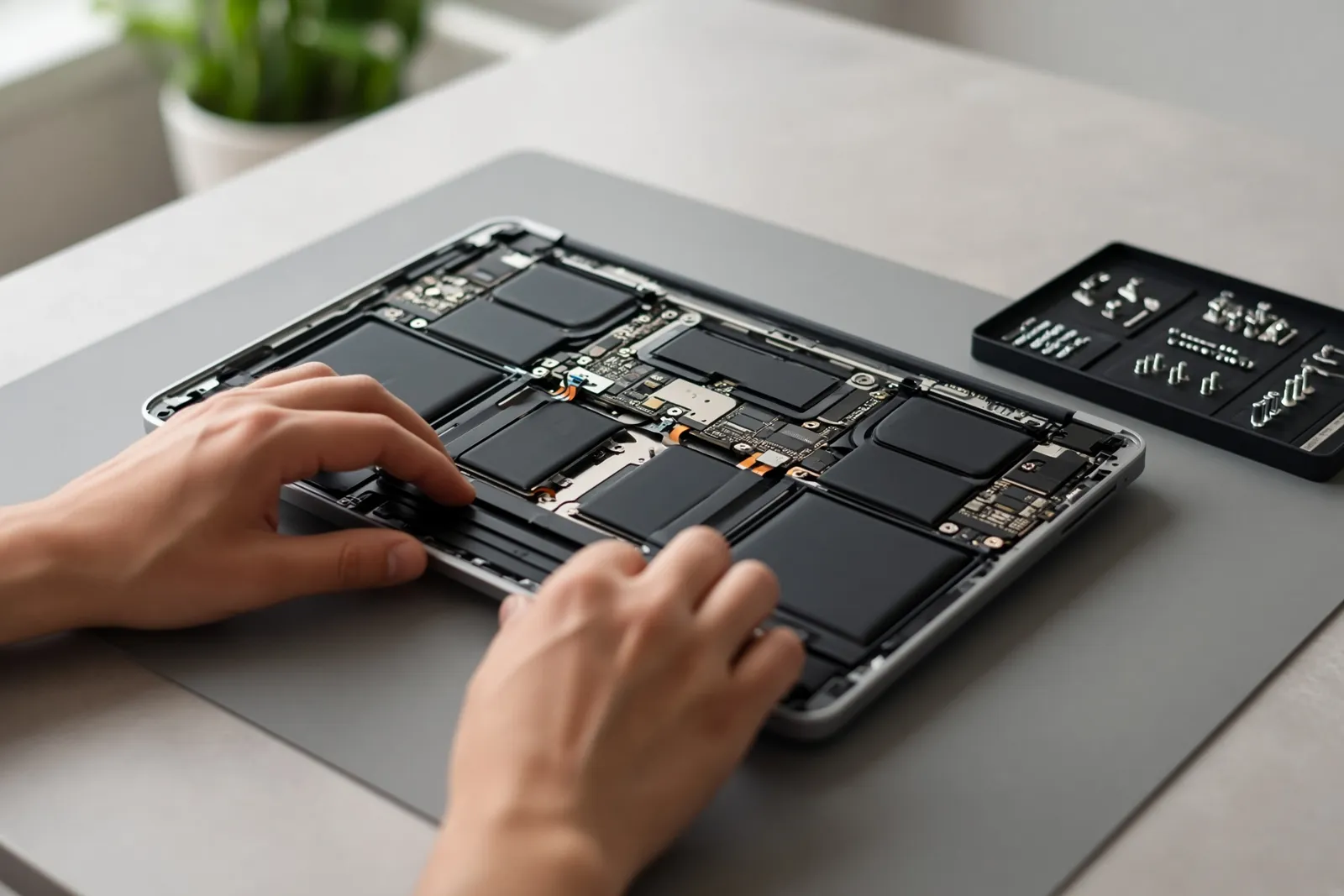
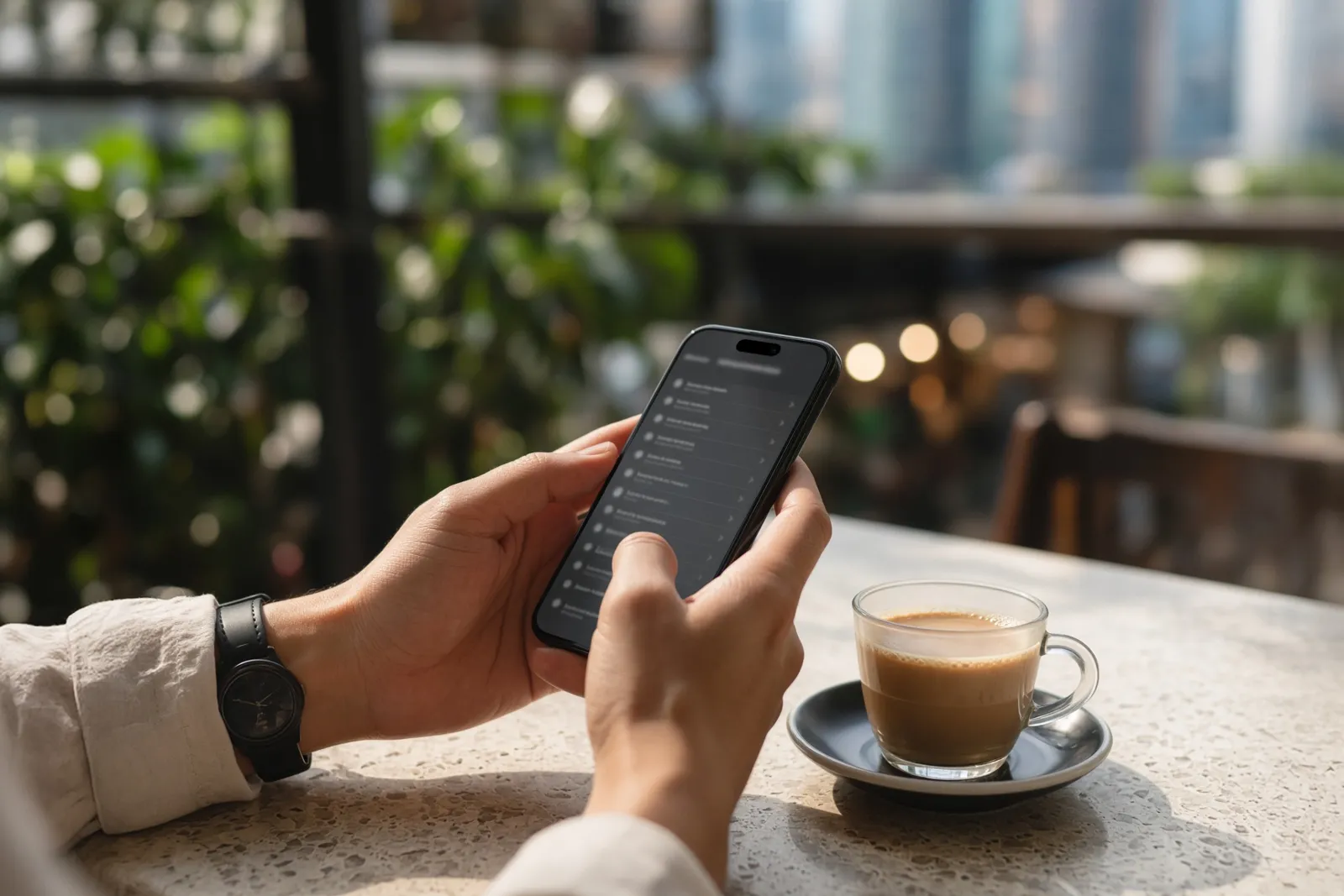
You get your iPhone back with a new screen or battery. It works perfectly. Then, a day later, you open Settings and see a line you’ve never seen before: Unknown Part. Or a notice that says the phone is “unable to verify” that it has a genuine Apple display or battery.
It’s natural to worry that the repair went wrong. In almost every case it didn’t. Here is what the message actually means and what you can do about it.
What the message is
Since the iPhone 11, Apple has kept a record of the main parts inside each phone: the screen, the battery, the cameras and a few others. When one of those parts is replaced, the phone checks whether it is a genuine Apple part that Apple can verify.
- If it is, and it’s new, nothing changes.
- If it’s a genuine part taken from another iPhone, newer phones show it as Used.
- If the phone can’t verify it, it shows as Unknown.
That’s all it is: a label. On older versions of iOS the same thing appeared as an “Important Display Message” or “Important Battery Message”.
Where to see it
Open Settings > General > About. If any part has been replaced, a section called Parts and Service History appears. Tap it to see each part and its label. If you’ve never had a repair, that section simply isn’t there.
Why it happens: parts pairing
Many iPhone parts carry a tiny chip with a serial number. At the factory, Apple records which serial numbers belong to which phone. This is often called parts pairing.
A new third-party screen or battery has a different chip, or no Apple chip at all, so the phone can’t match it to its records. It still works, but the phone can’t vouch for it. Apple’s reasoning is that you, and anyone who buys the phone from you later, should be able to see what’s inside it and whether Apple can vouch for it.
What still works
With a good part fitted properly, nearly everything works as before:
- Calls, apps, camera, charging and touch work normally.
- Face ID is part of the phone, not the screen, so a screen repair shouldn’t touch it. On an iPhone 13, update to the latest iOS first. Early iOS versions stopped Face ID working after a third-party screen.
- True Tone can switch off after a non-Apple screen. We restore it with a programmer that copies the settings from your old screen.
- Battery Health still shows a percentage with a third-party battery on recent iOS, but the number is less trustworthy than with a battery the phone recognises.
What the message does affect is resale. Trade-in programmes and careful second-hand buyers check Parts and Service History, and an Unknown part can lower what they offer. If you plan to sell the phone soon, that’s worth weighing up.
iPhone 11 to 14 vs iPhone 15 and later
The rules changed with the iPhone 15, so the model matters.
iPhone 11 to 14
- Screens: an original screen can avoid the message if the technician moves the small touch chip from your old screen to the new one. It’s careful, skilled work. Third-party screens still show Unknown.
- Batteries: our original-grade battery avoids the message. We fit a new cell to your phone’s own battery chip board, so the phone recognises it as before. A plug-in third-party battery shows Unknown.
iPhone 15 and later
- Genuine parts taken from another iPhone can now be checked by the phone itself after the repair, and they show as Used rather than Unknown. A part still locked to someone else’s Apple ID fails that check, which is why we only use parts we can verify.
- On iPhone 15 and 16, recent iOS versions also check the small sensor cable that sits above the screen. We reuse your original one, undamaged, so it doesn’t add a second warning.
- Batteries: original-grade works up to the iPhone 15 Pro Max. On iPhone 16, 16e and the 17 series, a no-message method with a new cell isn’t proven yet. We offer a genuine battery there instead, which shows Used.
- The very newest Pro models need genuine parts only. Our estimator shows “Ask us” for those rather than guessing.
Can the message be removed later?
Not by a settings change or a reset. The label follows the part. The only ways to avoid it are to choose a repair that the phone can verify (original-grade battery, or an original screen with the chip moved across where possible) or to use a genuine Apple part through Apple.
Does it matter for later repairs?
Apple can still service the rest of your phone, but it won’t repair or stand behind the third-party part itself. If you think you’ll want Apple to handle the phone later, check with them before you book. For most people with a phone that’s two or more years old, the saving is worth more than the label.
What we tell you before we start
We’d rather you heard about the message from us than found it in Settings a week later. So:
- Every option in our estimator says which message to expect: none, Used, or Unknown Part. You choose knowing that.
- We mention it again when you book on WhatsApp, in plain words.
- We never ask for your passcode. Screens and batteries are fixed with your phone locked, and you check everything yourself when you pick it up.
- Every repair has a 3 to 6 month warranty, depending on the part you choose.
Our parts mostly come direct from suppliers in Shenzhen, China, which is how we keep the price low. You choose the part and we tell you exactly what it is. If you have a lower written quote for the same grade of part, show us and we’ll beat it.
The short version
Unknown Part means the phone can’t verify the part, not that the part is faulty. Your iPhone works normally. It mainly affects resale value. On many models you can avoid it by choosing the right repair, and we’ll always tell you upfront.
Choosing a screen? Read soft OLED vs LCD vs original. Battery? See what an iPhone battery replacement really costs. MacBook owners can relax a little: most MacBooks, including the M1 Air, show no such message after a screen repair. More in our MacBook Air M1 screen guide.
Drop it at a Tinylab lab or drop-off point, send it by Lalamove, or post it to us. You can read why we started Tinylab too.